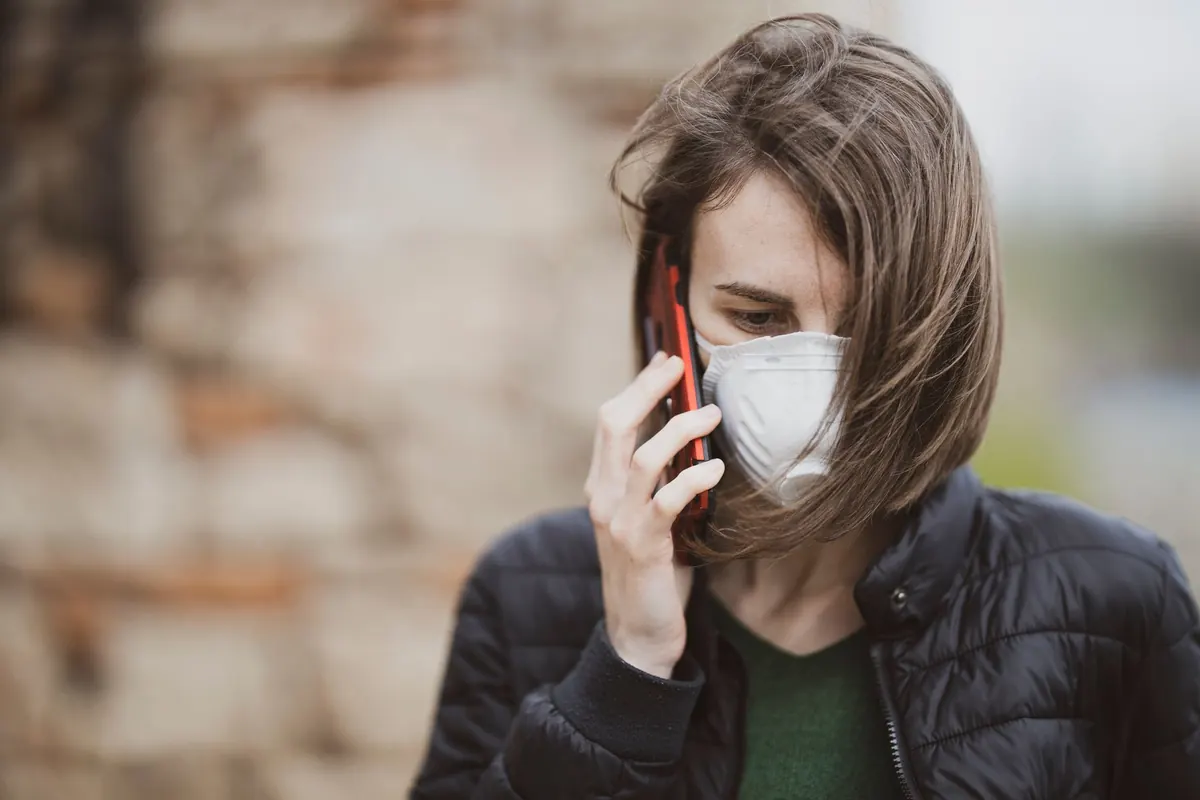
A storm does not have to be a hurricane to upend a week in Norfolk. A slow nor'easter, an unusually high tide landing on top of heavy rain, or an overnight freeze can close roads, cut power and leave people guessing about what happens next. The guessing is the part you can get rid of. Emergency alerts are free, and setting them up takes about ten minutes on a calm afternoon — not when the wind is already picking up.
Here is how the systems work, how to sign up for the ones that matter, and how to make sure a warning actually reaches you when the power is out.
The alerts you already have
Every modern phone can receive Wireless Emergency Alerts: short, loud, government-issued messages sent to every compatible handset inside a defined area. No app, no account, no sign-up. They are reserved for the most urgent situations — tornado warnings, flash flood emergencies, evacuation orders — which is why they arrive with almost no notice and often only for a few minutes. Essential, but not enough on their own.
Check that yours are switched on. On most phones, look in Settings under something like Notifications, Safety, or Emergency. You are looking for a toggle named Emergency Alerts, Government Alerts, or Wireless Emergency Alerts. Leave it on. If your phone has a separate setting for test alerts, leave that on too — a monthly test is a small price for knowing the system works.
Sign up for your city or county system
Wireless alerts fire only for the worst cases. The local opt-in system is where you hear about road closures, boil-water notices, sandbag pickup, shelter openings and the slow-moving situations that never trigger a nationwide alert. Most are free, run on platforms such as Everbridge, CodeRED or Smart911, and require you to create an account.
- Find the right page. Search your city or county name plus "emergency alerts," or look for an Emergency Management or Public Safety section on the official government site. If you live near a boundary, register with more than one jurisdiction — alerts are usually routed by address, not by wherever your phone happens to be.
- Enter your full street address. Not just the ZIP code. Many systems draw a boundary and notify only the addresses inside it, so a partial address can quietly drop you from the list.
- Add every way to reach you. Mobile number for texts and calls, a landline if you still have one, and an email address you actually read. Redundancy is the whole point.
- Register each adult separately. If your household has two or three phones, create accounts for each. One registration covers one person during a day when everyone is scattered.
- Choose your alert categories. Keep weather, flooding, evacuation and public safety switched on. Add non-emergency notices only if you want them. Too many low-priority pings is how people end up muting the ones that matter.
- Confirm the account. Nearly every system sends a verification text or email. Until you click it, you are not registered, even though the form looked finished.
- Save the sender number. Add the short code or number to your contacts as "Local Alerts," so your phone does not filter it as spam.
Make the message impossible to miss
Registering is half the job. A warning that lands silently at 3 a.m. is not much use.
- Check that Do Not Disturb lets emergency alerts through, or add the alert number to your allowed contacts. Test it once with a second phone so you know it works.
- Keep a charged battery bank and a car charger somewhere you can find them in the dark. Alerts drain a battery fast, especially on a weak signal.
- Add a battery-powered or hand-crank radio to the emergency shelf, and learn which local stations carry storm coverage.
- Write the key numbers on paper: your utility's outage line, the non-emergency police number, and two neighbours who would notice if your lights stayed off.
- If anyone in the house depends on electricity for medical equipment, register with your utility's priority list and with local emergency management, and ask your care team to help you plan for an outage. Do not assume the alert system already knows.
What the warnings actually mean
Alert language is deliberately blunt, but the levels are easy to mix up. The distinction that matters most is lead time.
A watch means conditions are possible and you have time to prepare. A warning means it is happening or about to — act now.
Watch
Forecasters see the ingredients coming together. Move the car off the low street if flooding looks likely, charge everything, fill water bottles, check on the neighbours who will need a hand.
Warning
The hazard is imminent or already happening. Stop what you are doing and follow the instructions: shelter in an interior room away from windows, get off the water, do not drive through standing water.
Emergency
The top tier, used when a hazard is confirmed and life-threatening. These are rare, and they should be treated as an instruction rather than a notification.
Advisory
Something inconvenient or hazardous is going on, but not life-threatening. Slow down, allow extra time, use judgement.
Flooding climbs its own ladder: a general heads-up that flooding is possible, then a warning that it is expected in your area, then — in the worst cases — a severe warning or flash flood emergency telling you to move to higher ground immediately. Many coastal communities also assign evacuation zones by letter. Find out which zone your street is in before the season starts and write it down.
When the power is out and the network is jammed
In a serious storm, cell towers fill up and sometimes go down. Texts often get through when calls will not, but nothing arrives instantly. Build a plan that does not depend on a phone:
- Keep the battery radio handy; local stations usually stay on the air.
- Pick one person outside the area who can pass messages between family members.
- Use the emergency number only for real emergencies, never for updates on the storm.
- Check the city's social accounts once or twice, then put the phone down and save the battery.
- Agree on a physical meeting point and a check-in time before anyone leaves the house.
Do it tonight, before the forecast changes
Set a reminder for twice a year — once before storm season and again as autumn turns — to log in, confirm your phone number has not changed, and re-check your alert categories. Numbers change, people move, and an old mobile number on an alert account is the same as no account at all.
Then do one more thing: sign up the neighbour who does not use a smartphone, or who would rather not deal with forms. The best alert system in Norfolk is still a person knocking on a door, and it works better when the door-knocker already knows what the warning means.
Photo: Engin Akyurt / Pexels